Overview: Microsoft Word, PowerPoint Outlook & Excel
In today’s digital world, proficiency in Microsoft Office is essential for professional success. This
comprehensive course on Microsoft Word, PowerPoint, Outlook, and Excel is designed to equip you with the fundamental and advanced skills needed to boost productivity and efficiency. Whether you’re a student, professional, or entrepreneur, mastering these tools will enhance your ability to create documents, presentations, manage emails, and analyze data effectively.
The course follows a structured approach, covering the key features of each application. You will learn how to draft and format professional documents in
Word, create dynamic and visually appealing
PowerPoint presentations, manage emails and scheduling in
Outlook, and perform data analysis and calculations using
Excel. Step-by-step tutorials, hands-on exercises, and real-world examples will ensure that you gain practical experience.
By the end of the course, you will have a strong command over Microsoft Office’s core applications, making you more competent and confident in handling day-to-day professional tasks. Whether you want to improve your office productivity, ace job interviews, or increase efficiency in personal projects, this course will provide you with the essential skills to excel in any environment.
Learning Outcomes
By the end of this course, you will:
- Create, format, and edit professional documents using Microsoft Word.
- Design engaging, high-impact presentations with PowerPoint.
- Efficiently manage emails, calendars, and tasks in Outlook.
- Use formulas, charts, and data analysis tools in Excel.
- Apply advanced features like templates, automation, and collaboration tools.
- Improve efficiency with keyboard shortcuts and best practices.
- Organize and manage projects effectively using Microsoft Office.
- Enhance workplace productivity with integrated Office applications.
Course Description
This course provides in-depth training on Microsoft Word, PowerPoint, Outlook, and Excel, covering both fundamental and advanced features. You will start with the basics, such as creating documents, presentations, managing emails, and organizing data, before moving on to more complex functionalities like formulas, data visualization, automation, and collaboration tools.
The course includes video tutorials, hands-on exercises, and real-world case studies to ensure practical learning. Whether you are a beginner or looking to refine your skills, this course will help you improve efficiency, streamline workflow, and increase productivity in both professional and personal tasks.
Who Is This Course For?
- Beginners looking to learn Microsoft Office from scratch.
- Office professionals seeking to improve productivity.
- Students who need strong Microsoft Office skills for academic success.
- Entrepreneurs and freelancers managing documents, emails, and presentations.
- Job seekers wanting to enhance their resumes with essential skills.
Career Path
- Office administration and management roles.
- Data entry and business analytics positions.
- Marketing and sales professionals using Excel and PowerPoint.
- Customer service and email communication roles.
- Project management and business operations jobs.


 Navigate the Excel User Interface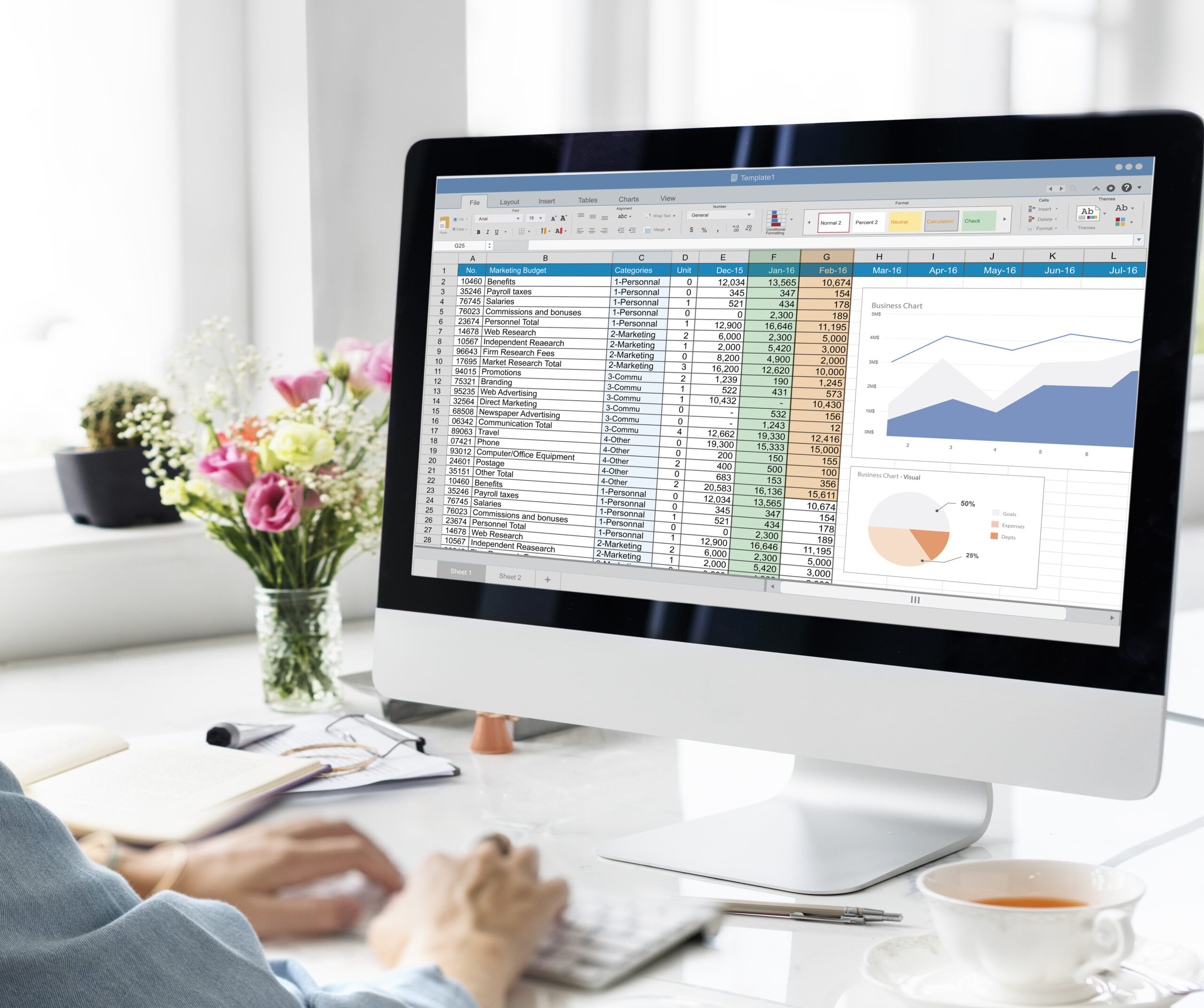
 Enrolled:
  Duration:
  Chapters: